
Google AdsDecember 20269 min read
Google Ads Is Changing in December 2026: What to Check Before Launching Performance Max Campaigns
From December 4, Google will switch on image extraction for every new Performance Max campaign, even if you've turned dynamic images off for your account. Here's what that means and what to check first.
The Social Stellor Studio · Creative Team
Last verified November 19, 2026 against Google's developer announcement and Google Ads Help. Where the article draws its own conclusion, it says so. Sources are listed at the end.
In this guide
 Google Ads
 Google Search
If you plan to launch a Performance Max campaign in December, one setting will behave differently from the way it does today. From December 4, 2026, Google will turn on image extraction by default for every newly created Performance Max campaign. Image extraction means Google can take images from your website and use them in your ads.
Google announced the change in a short post on its Google Ads Developer Blog (opens in new tab) on October 21, so it's easy to miss if you manage your own ads. The change isn't dramatic, but it does make the photos on your landing pages possible ad creative. This guide covers what Google confirmed, what it didn't say, and what to check before you launch. The settings are the same in the US and the UK.
- From December 4, 2026, new Performance Max campaigns have image extraction switched on by default, in the Google Ads interface, Google Ads Editor and the API.
- The new default applies even if dynamic images are turned off for your whole account.
- Existing Performance Max campaigns keep their current settings.
- You can still switch it off for each campaign. In the interface, the matching setting appears to be the "Landing page images" box.
- Before launching, check the images on every page your campaign could send people to, and make sure you have the rights to use them in ads.
What is changing on December 4?
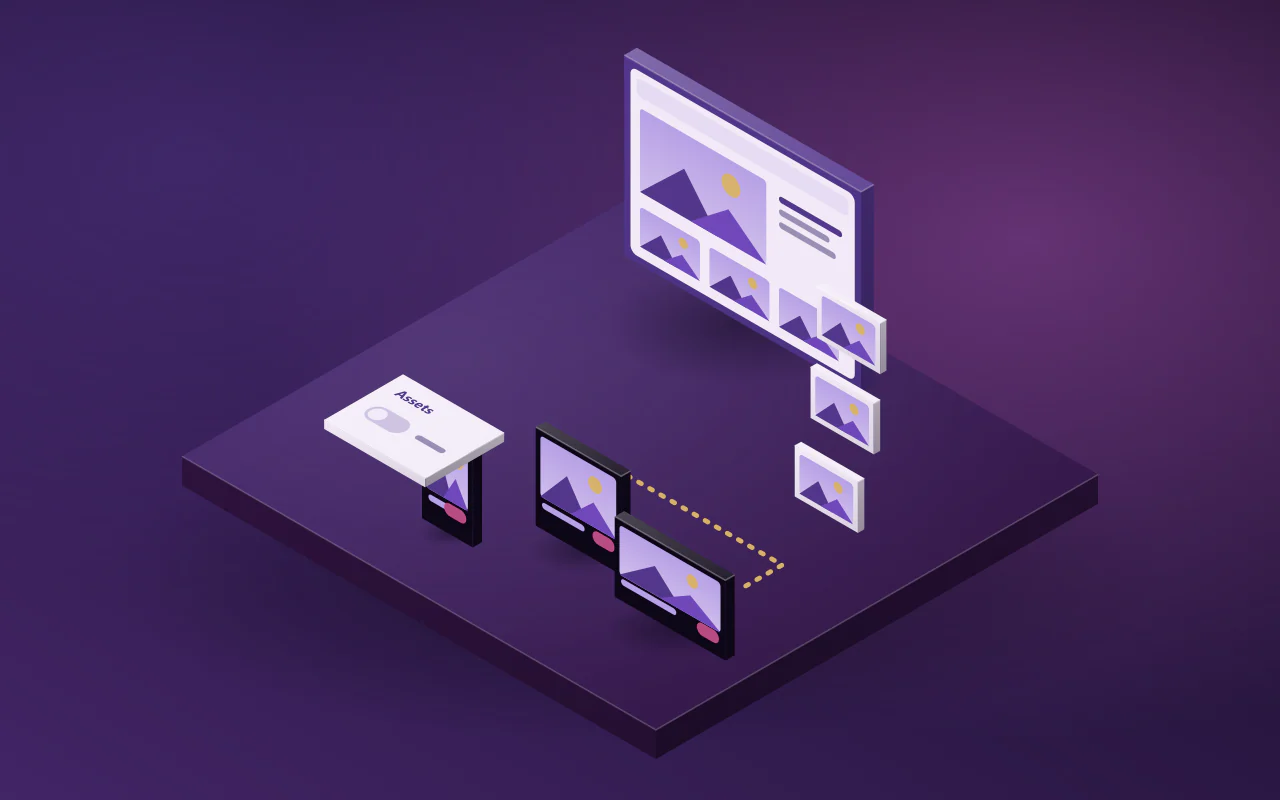
Google's post says that starting December 4, 2026, image extraction "will be enabled by default" for newly created Performance Max campaigns "across Google Ads interfaces, including the Google Ads API, Google Ads UI, and Google Ads Editor."
The important detail is how this interacts with your account settings. Today, a Performance Max campaign without its own image extraction setting follows your account-level dynamic images setting. If you switched dynamic images off for the account, new campaigns followed that choice. From December 4, new campaigns start with image extraction switched on even if dynamic images are off at account level. In other words, an account-wide "no" will no longer carry over to new Performance Max campaigns.
Google's post says both "starting December 4" and "created after December 4". It doesn't say which applies to a campaign created on December 4 itself. To be safe, treat any campaign you create from December 4 onwards as covered.
How Performance Max image extraction works
Google Ads Help describes landing page images (opens in new tab) as a feature that can "extract relevant visuals or images from your landing page to dynamically fit the content of your ads." In practice, Google looks at the page your ad points to, picks images it thinks are relevant and uses them alongside the images you uploaded.
For Search ads, Google's help page on dynamic image assets (opens in new tab) says extracted images go through "automated and manual quality checks" before they can serve, and that you can remove any that appear. Google doesn't publish how it chooses which images to use, and its Performance Max pages don't describe a preview step before images go live.
Image extraction isn't the only automatic image feature. Google's API documentation lists image enhancement (opens in new tab), which crops and adjusts the images you upload, as already "opted in by default for pmax". The December change is specifically about images taken from your website.
Which campaigns are affected?
| Campaign | What happens | Source |
|---|---|---|
| New Performance Max campaigns created from December 4 | Image extraction is on by default, even if account-level dynamic images are off | Google Ads Developer Blog |
| Existing Performance Max campaigns | Keep their current configuration | Google Ads Developer Blog |
| Campaigns created through the API, Editor or interface | All three follow the new default | Google Ads Developer Blog |
| Search campaigns | Not part of this announcement. Dynamic image assets for Search stay an account-level setting | Google Ads Help |
- What happens
- Image extraction is on by default, even if account-level dynamic images are off
- Source
- Google Ads Developer Blog
- What happens
- Keep their current configuration
- Source
- Google Ads Developer Blog
- What happens
- All three follow the new default
- Source
- Google Ads Developer Blog
- What happens
- Not part of this announcement. Dynamic image assets for Search stay an account-level setting
- Source
- Google Ads Help
If an agency or developer builds your campaigns through the API, ask whether they've accounted for the change. Google's post also warns them that updating these settings through the API replaces the whole list, so changing one can reset others.
Why your website images matter
Google's post asks advertisers to "confirm that you own all legal rights or permissions to the images published on your landing pages." That's a reminder, not a new rule. Still, it matters more once those images can appear in ads automatically.
Three kinds of images cause most of the trouble:
- Images you don't have advertising rights to: Stock photos bought for website use, "editorial use only" images, photos supplied by a partner, or pictures of customers who agreed to a testimonial page but not to an ad.
- Images that no longer reflect the business: Old offers, past events, discontinued products, former staff or premises you've moved out of.
- Images that make a claim on their own: Before-and-after photos, price graphics or results screenshots can read differently without the surrounding page. If you're in a regulated sector such as healthcare, finance or legal services, check these carefully.
Illustrative example, not a real client: A dental practice's treatment page shows its own clinic photos, a manufacturer's product image and a before-and-after picture with a patient's consent for the website. The clinic photos are a sensible ad source. The manufacturer image and the before-and-after picture may not be licensed or consented for advertising, and the before-and-after could raise compliance questions in an ad. The practice would want to remove those from the landing page or switch image extraction off for that campaign.
What to check before launching a campaign
None of these steps is required by Google. They're the checks we'd recommend before creating a new Performance Max campaign after December 4.
1. List every page the campaign could use
Start with your final URL. Then check whether Final URL expansion (opens in new tab) is on. Google says it's on by default for Performance Max, and it lets Google send people to other pages on your site. Google doesn't say whether images are extracted from expanded pages as well, so as a precaution treat any page the campaign could use as a possible image source. You can exclude URLs (opens in new tab) you never want used.
2. Review the images on those pages
Open each page and look at every image, including banners, sliders and footers. Remove anything out of date, anything you can't confirm the rights to and anything you wouldn't approve as an ad on its own.
3. Set your brand guidelines
Performance Max has campaign-level brand guidelines (opens in new tab) for your business name, logos, brand colours and font. Google infers colours and a font from your website and suggests them, but you have to confirm or change them yourself. It's worth doing at setup so automated formats stay close to your brand.
4. Decide on landing page images, deliberately
Keeping it on can give Google more creative to work with, especially if you've uploaded only a few images. Switching it off keeps your ads to the images you chose. Either can be right. What matters is that someone made the choice rather than inheriting a default.
Illustrative example, not a real client: An online homeware shop has hundreds of its own product photos on clean product pages. It might keep image extraction on and review which images serve after a few weeks. A consultancy whose landing page uses three stock photos would more likely switch it off and upload its own images.
How to review your Performance Max settings
Google's developer post doesn't name the setting in the Google Ads interface. Google Ads Help documents a campaign-level Landing page images (opens in new tab) setting for Performance Max, and says new campaigns inherit it from your dynamic images setting, which is the behaviour the December change replaces. In our reading, that checkbox is the interface version of image extraction. These are Google's documented steps as of November 19, 2026:
| When | Where to find it |
|---|---|
| Creating a new campaign | In the campaign settings step, open the Images tile under text customization, then tick or untick Landing page images |
| Existing campaign | Campaigns → select the campaign's gear icon → Settings → Asset optimization → Images → tick or untick Landing page images |
| Account-wide dynamic images | Campaigns → Assets → More (three dots) → Account-level automated assets → Advanced settings → Dynamic images |
- Where to find it
- In the campaign settings step, open the Images tile under text customization, then tick or untick Landing page images
- Where to find it
- Campaigns → select the campaign's gear icon → Settings → Asset optimization → Images → tick or untick Landing page images
- Where to find it
- Campaigns → Assets → More (three dots) → Account-level automated assets → Advanced settings → Dynamic images
After launch, open the campaign's settings again to confirm the box shows what you chose. Google changes its interface without notice, so if a label doesn't match, use the linked help pages for the current wording.
Other Google Ads changes worth watching
Image extraction is part of a wider pattern: more automation switched on by default, with controls you have to find yourself. On October 14, Google announced channel prioritization (opens in new tab) for Search, Shopping, Performance Max and Demand Gen. It lets you mark channels as high or low priority and cap low-priority spend as a share of your daily budget. Google describes it as optional and "rolling out" over the coming months, so it may not be in your account yet. The same announcement says Search campaigns with the Display Network turned on will change from February 2027.
Two earlier changes sit alongside this one. Automated promotions can pull deals from your website into Search and Performance Max ads, which we covered in our automated promotions guide. And Demand Gen gained new channel and measurement controls in October, covered in our Demand Gen update.
A practical pre-launch checklist
Performance Max pre-launch check
Your answers stay in this browser tab. Nothing is sent, saved or tracked, and there's no score: just a list of what's in place and what to fix first.
Your result
Answer the questions above and your list appears here. Answer “Not sure” honestly: if you're not sure, assume it isn't in place.
If your campaigns already get clicks but few enquiries, the setting is unlikely to be the main issue. Start with our guide to Google Ads clicks that don't convert.
Social Stellor manages Google Ads for businesses in the UK and US, including the settings Google changes in the background. If you're planning a Performance Max launch and want a second pair of eyes on it first, tell us what you're running.
Talk to us about Google AdsFrequently Asked Questions
What is image extraction in Performance Max?
It's a Google Ads automation that takes images from your landing page and uses them in your ads alongside the images you upload. In the Google Ads interface, the matching campaign setting is labelled Landing page images.
Will my existing Performance Max campaigns change?
No. Google says existing Performance Max campaigns keep their current configuration. The new default applies to campaigns created from December 4, 2026.
I turned dynamic images off for my account. Am I covered?
Not for new Performance Max campaigns. Google says the new default applies even if dynamic images are disabled at account level, so check the setting in each new campaign.
Can I turn it off?
Yes, for each campaign. Untick Landing page images in the Images tile during setup, or later under Settings → Asset optimization → Images. Whether you should depends on your landing pages: keeping it on suits pages full of your own, current photos, while switching it off is safer if they include stock, partner or outdated images.
Does this apply to UK advertisers?
Google's announcement doesn't limit the change to particular countries, and the settings are the same wherever your account is.
Sources
- Google Ads Developer Blog, Upcoming changes to image extraction in Performance Max campaigns starting December 4, 2026 (opens in new tab), October 21, 2026.
- Google Ads Help, Opt in or out of Performance Max landing page images (opens in new tab): campaign-level steps and default behaviour.
- Google Ads Help, About Performance Max image enhancements and landing page images (opens in new tab).
- Google Ads Help, About dynamic image assets (opens in new tab): account-level control, quality checks and rights confirmation.
- Google Ads Help, About Final URL expansion in Performance Max (opens in new tab) and About URL exclusion in Performance Max (opens in new tab).
- Google Ads Help, About brand guidelines (opens in new tab).
- Google Ads API reference, AssetAutomationType (opens in new tab): image extraction and image enhancement defaults.
- Google Ads & Commerce Blog, channel prioritization and budget allocation (opens in new tab), October 14, 2026.
All sources were checked on November 19, 2026. The menu steps are Google's documented steps on that date and weren't tested in a live account. Check the linked help pages for current wording.

Related articles
Google Ads14 min read
Google Ads Automated Promotions Explained
How Google Ads now adds website deals to your ads automatically, which campaigns it affects and how to switch it off.


Google Ads17 min read
Google Demand Gen: October 2026 Updates
What changed in Google's Demand Gen campaigns, which claims are verified and what to do before the holidays.
Google Ads16 min read
Google Ads Clicks but No Conversions?
Find where your Google Ads conversions break, checking the account in the order that costs least to rule out.
Get new guides as they publish.
Follow our RSS feed in any feed reader, such as Feedly or Inoreader. No email address needed.
Follow by RSSOr browse everything we've published on the blog.